








ジェネレータ
歴史
AI フロアプランジェネレーター
変更ツール
モデル
ベース版
切り替え
部屋
寝室
-
2
+
bathRoom
-
1
+
キッチン
オープン
クローズド
延べ面積
ユニット メトリック
メトリック 帝国
帝国
メトリック 帝国エリア
< 50㎡
50-80㎡
80-100㎡
100-120㎡
120-150㎡
> 150㎡
追加設備
ウォークインクローゼット
ランドリールーム
収納室
ユーティリティルーム
在宅勤務用オフィス
ガレージ
食品貯蔵室
リビングダイニング一体型
バルコニー

Design Your Dream Home with Our AI 2D Floor Plan Maker
Quickly visualize your ideal home layout with Ideal House's AI Floor Plan Generator. Our intuitive 2d floor plan maker transforms your ideas into professional, shareable floor plans in seconds. Perfect for homeowners, designers, and real estate professionals seeking efficient home layout design.
Generate My Floor Plan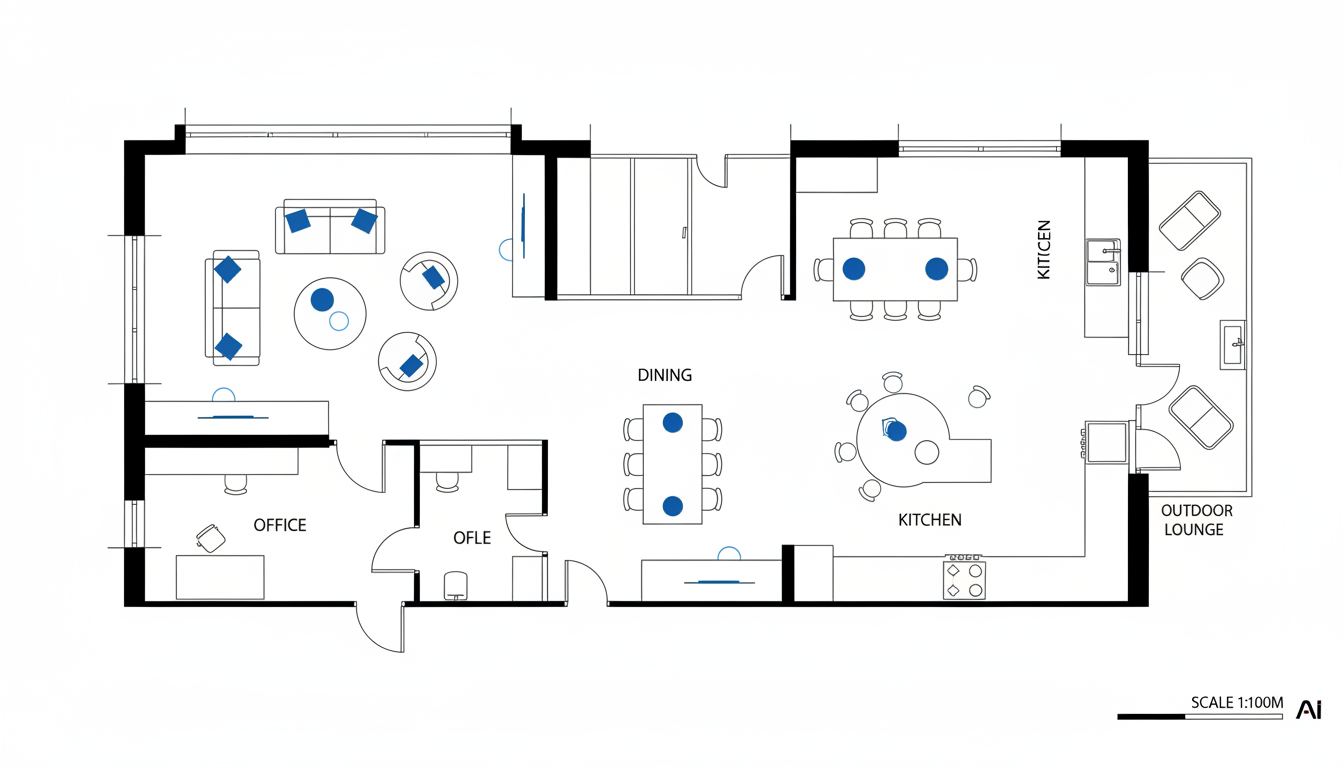


Why Choose Ideal House as Your 2D Floor Plan Maker?
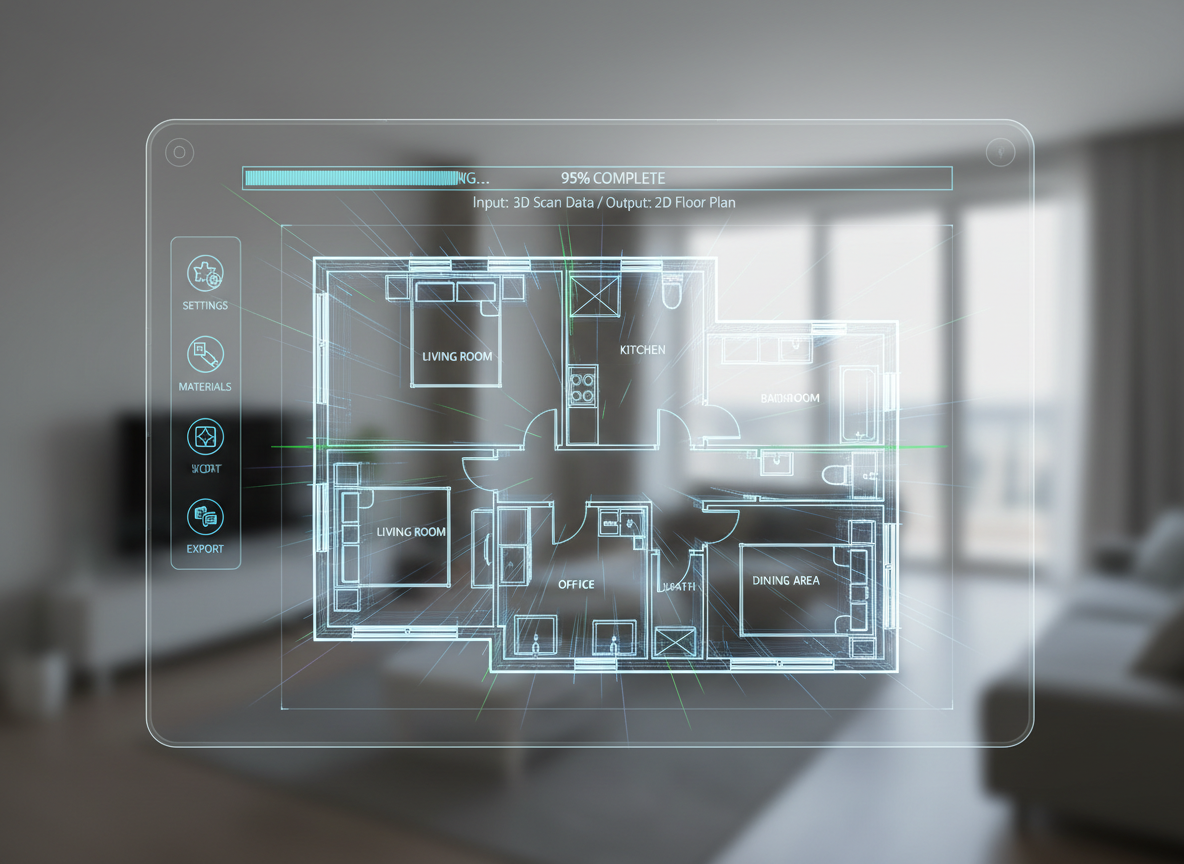
Instant 2D Floor Plan Generation
Say goodbye to complex architectural drawing software. Our AI floor plan generator creates detailed 2D floor plans from simple inputs in moments, providing a fast and efficient home design tool.
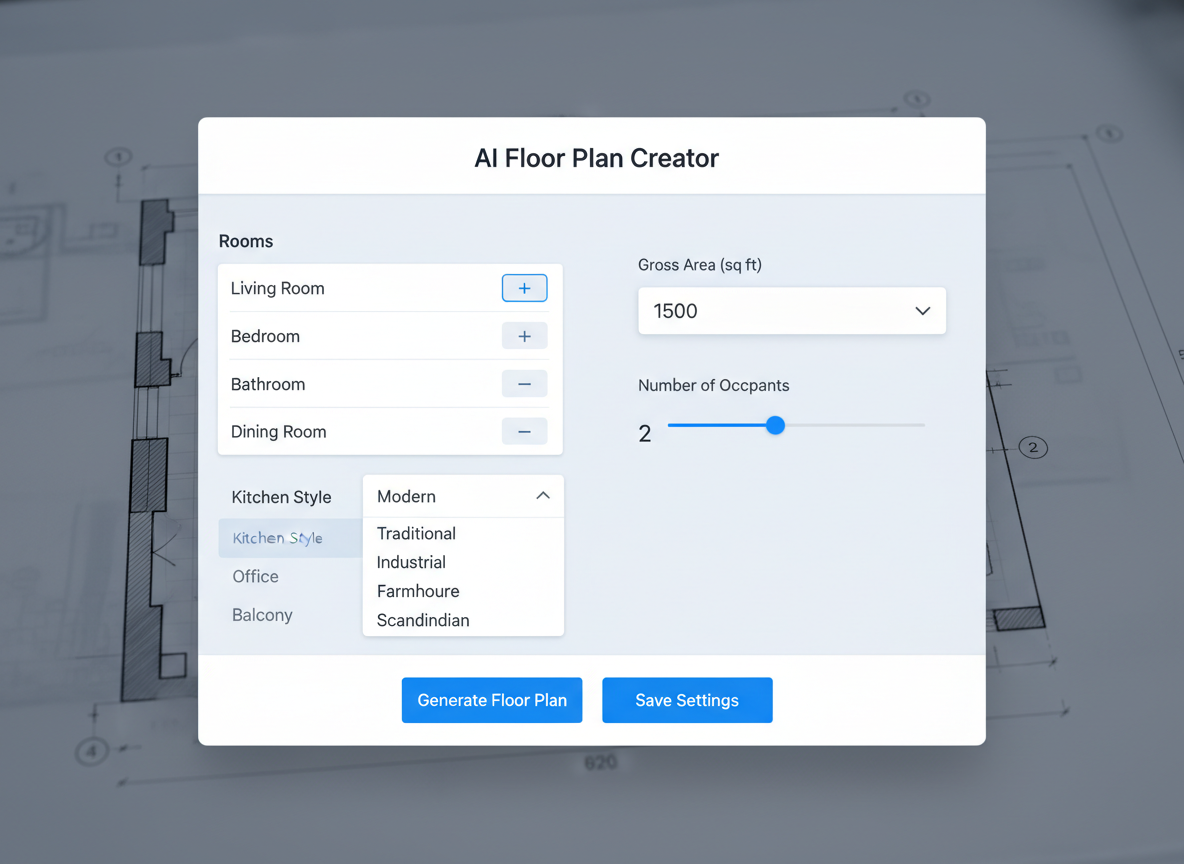
Tailored Home Layout Design
Customize your residential design with precision. Select bedrooms, bathrooms, kitchen style (open/closed), gross area, and essential extras like a walk-in closet or home office. This powerful floor plan creator adapts to your specific needs, making it an ideal room planner.
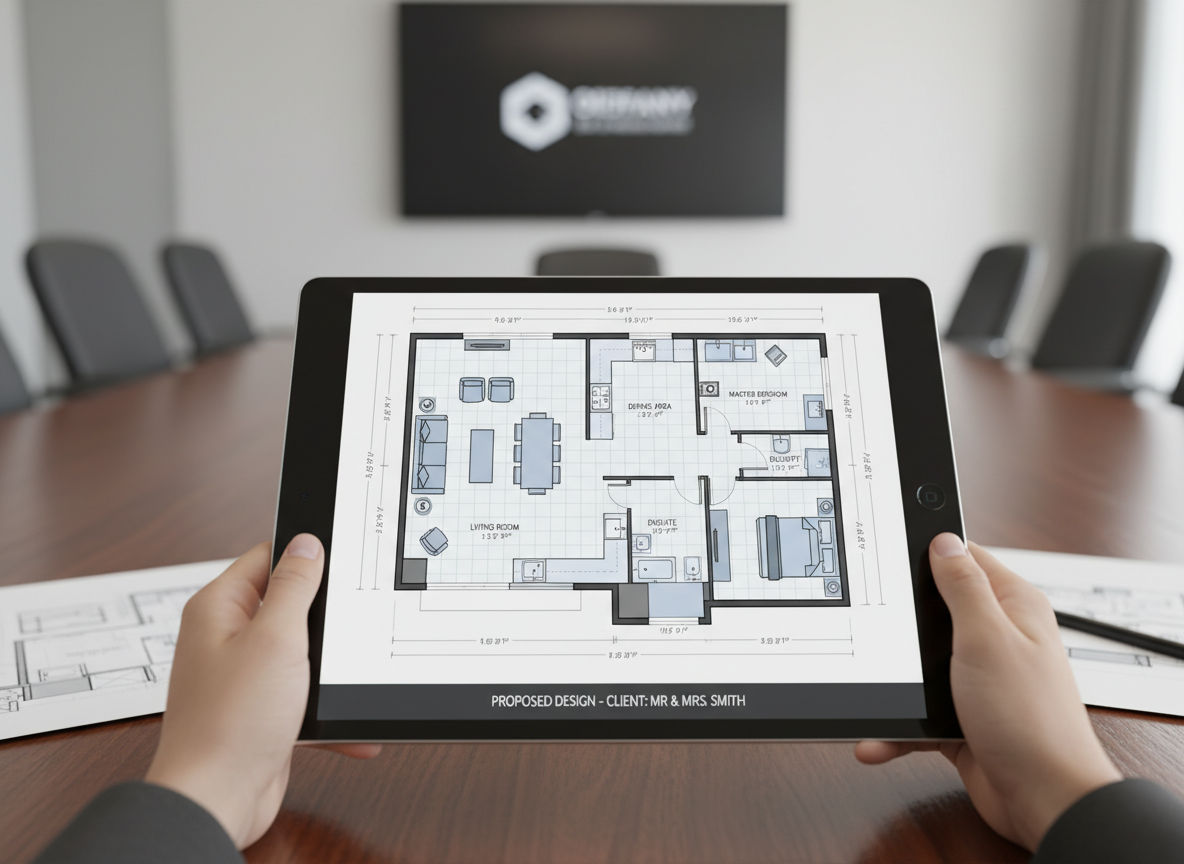
Professional Quality for Every Use
Whether for personal projects, client presentations, or real estate listings, our 2d floor plan maker produces clean, presentation-ready blueprints. Impress clients and buyers with clear, consistent property layouts.
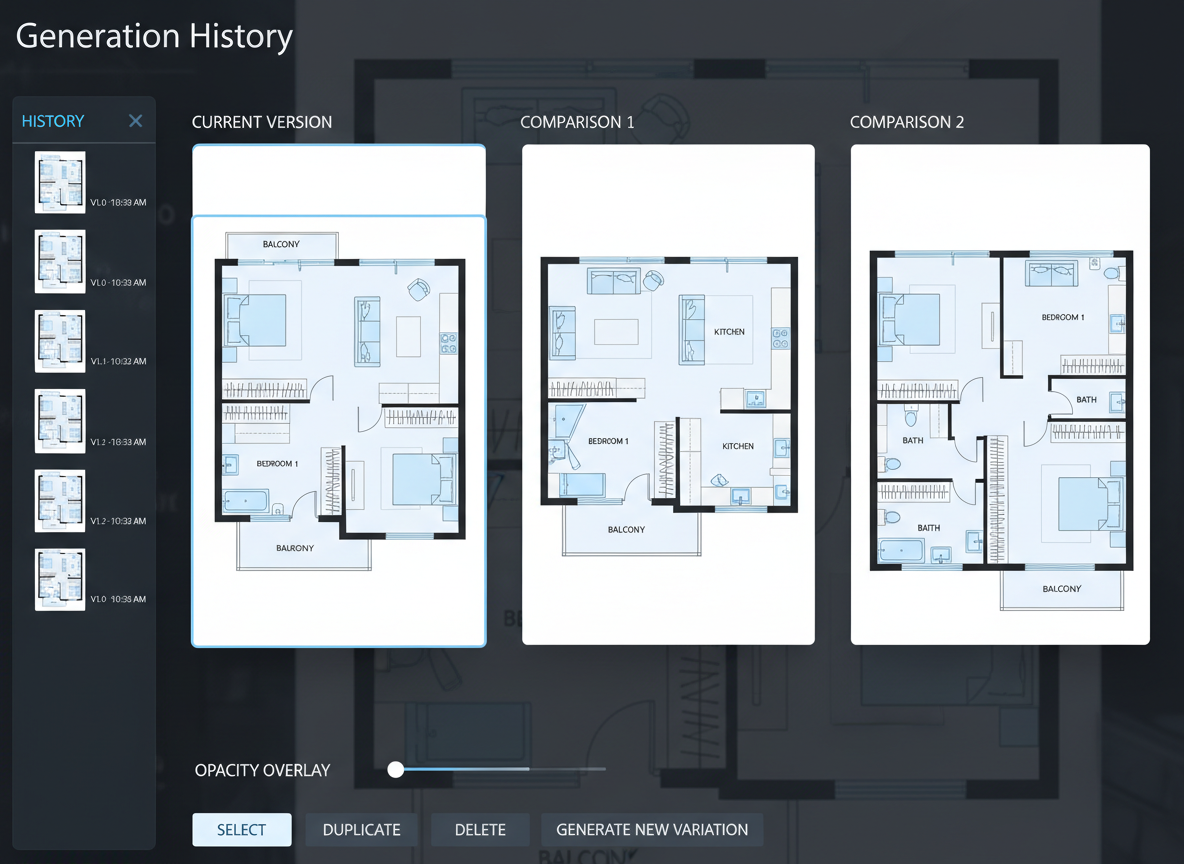
Seamless Iteration and Comparison
Experiment freely with different design ideas. Our tool saves all your generations, allowing you to filter, compare, and refine various home layout designs effortlessly. It’s an indispensable design tool for space planning.

Who Benefits from Our AI Floor Plan Generator?

Homeowners & DIY Planners: Easily visualize renovations or new builds with a simple 2d floor plan maker.

Interior Designers & Decorators: Quickly draft and iterate on interior layout concepts for clients with our advanced room planner.

Real Estate & Rentals: Enhance property listings with clear, consistent 2D real estate floor plans to attract more buyers.

Contractors & Consultants: Translate verbal requirements into precise architectural drawing software output for project alignment.

How to Create Your Floor Plan with Our AI 2D Floor Plan Maker
1
Set Rooms: Define the number of bedrooms (0-4) and bathrooms (1-3) to match your ideal home layout design .
2
Choose Kitchen Style: Select 'open' or 'closed' kitchen to influence the flow and space planning of your property.
3
Pick Gross Area: Specify your desired size range (e.g., <50㎡, 50–80㎡) to guide the overall dimensions of your 2D floor plan.
4
Add Extras: Multi-select features like a walk-in closet, home office, or balcony to customize your blueprint.
5
Generate & Review: Click 'Generate' to instantly create your 2D floor plan, then review and compare versions in your Generation History.
6
Download & Share: Export your chosen floor plan as an image or PDF, ready for sharing with clients or on listings.
Frequently Asked Questions About Our 2D Floor Plan Maker
How does the AI create a floor plan from my selections?
Our AI floor plan generator interprets your inputs—beds, baths, kitchen type, gross area, and extras—and applies established architectural principles to draft a clear 2D floor plan. Each generation provides a unique concept that you can fine-tune with simple adjustments.
What customizable options are available in this floor plan creator?
You can customize bedrooms (0-4), bathrooms (1-3), kitchen style (open/closed), gross area bands, and a variety of extras like a laundry room, garage, pantry, or combined living-dining spaces. It's a versatile room planner for any residential design.
Can I compare different home layout designs?
Absolutely! Every 2D floor plan generated is automatically saved in your 'Generation History'. You can use filters and grid/list views to easily compare multiple versions and select your favorite home layout design, just like using advanced drafting software.
How does 'Gross Area' influence the generated 2D floor plan?
The 'Gross Area' range you select guides the overall scale of your property layout. Choosing the closest band ensures that rooms and corridors are proportioned realistically for your desired footprint, resulting in a believable and functional 2D floor plan.
What specific benefits do 'Extras' offer in the AI floor plan maker?
Extras like a walk-in closet, home office, or balcony inform the AI where to prioritize and place these specialized spaces within your 2D floor plan. This feature ensures your blueprint accurately reflects your lifestyle or client's needs, enhancing the space planning.
Enhance Your Design Workflow with Ideal House's Related Tools
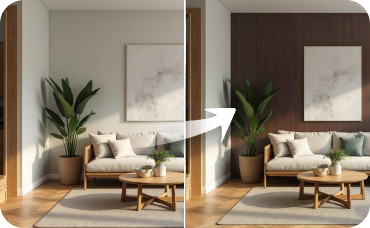
Room Visualizer
Experiment with different furniture layouts and color schemes within your Senegalese Rustic design.
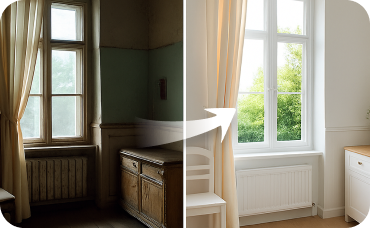
Interior Remodel
Go beyond furniture and change walls, flooring, and ceilings to complete your room's transformation.
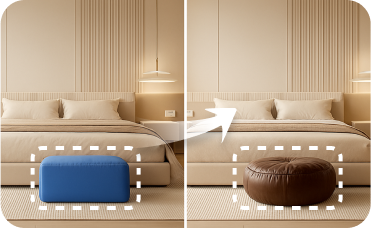
Smart Replacer
Instantly swap out furniture, lighting, and other major items in your room photo.
Ready to Design Your Space with Our 2D Floor Plan Maker?
Transform your ideas into stunning 2D floor plans effortlessly. Ideal House's AI Floor Plan Generator is your go-to home design tool for quick, professional, and customizable property layouts.
Generate My Floor Plan
💰 Ideal Houseのアフィリエイトパートナーとして10%のコミッションを獲得しましょう。
参加しませんか